
Accept corporate cards like MultiSport, Coolfit, and Sodexo per service and price option, with seat quotas that keep the balance between cards and regular clients.
Memberships, vouchers, and client rights
Memberships and vouchers that do not disappear after checkout
Sell memberships, prepaid visits, and vouchers, then show them exactly when the team needs them: during booking, check-in, checkout, and the next visit.
Why this matters
After the sale, it should stay clear what the client can still use
Once the business sells memberships, vouchers, or prepaid visits, the sale is only the start. The real question comes later: what is active, what remains, and what can the client use right now?
Sell memberships and vouchers in the same place the team already handles bookings and sales.
Keep remaining visits, validity, active status, and available value visible where the team actually needs to make a decision.
Let the next booking, check-in, or checkout start from what is truly available on the client.
Keep usage history on the client record so each return visit does not start with manual clarification.
How this should work
Set up what you sell first, then work from what is active on the client
A strong model does not stop at checkout. After the sale, the membership or voucher needs to stay visible during the next booking, visit, and checkout.
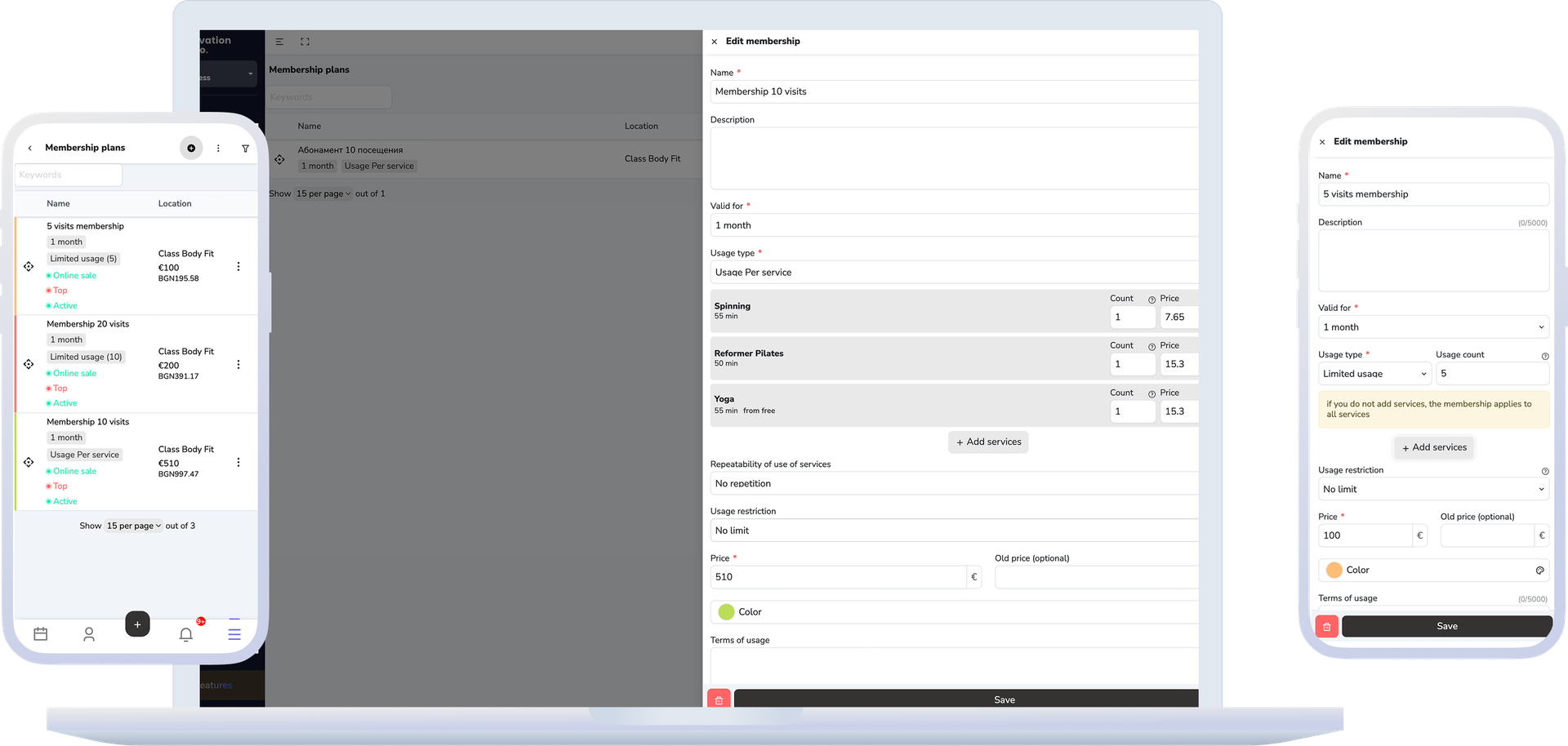
- Set up membership plans and voucher types with validity, included services, price, and rules around the way the business sells.
- After the sale, the system creates the active membership or voucher on the client instead of leaving the information only inside the sale.
- During booking, check-in, or checkout, the team can see what is active, how many visits remain, and what can be used right away.
- When a voucher creates usable value, that value stays visible in the client wallet and can be used at checkout.
- Usage history stays on the client, so at the next visit the team knows what remains.
What this includes
A plan and an issued membership are two different things
The distinction is practical: the plan is the template, the issued membership is one client's actual instance of it — and that is where most of the day-to-day work happens.
Membership plans
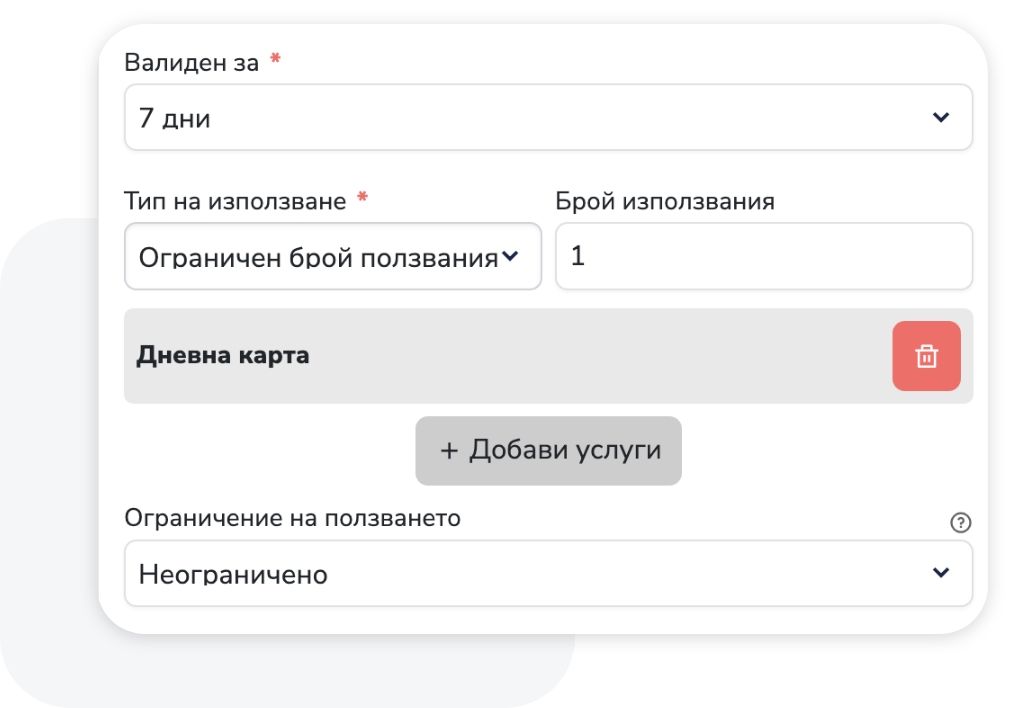
The template: validity, usage type, included services, restrictions and price. This is where the model being sold is created and changed.
Selling memberships
You pick a ready plan or create a personal membership that is not tied to a central plan but is managed in the same place.
Issued memberships
What has already been sold: review, edit, activate and deactivate. An issued membership has an owner, but it can be shared with other clients when needed.
Changing to another plan
Moving an issued membership onto a different plan, with the financial effect shown and the usage already spent carried over.
Vouchers and corporate cards
Vouchers carry value in the client's wallet, and for MultiSport, Coolfit, and Sodexo you choose which cards you accept per service and how many seats in a group class go to them.
What improves
Less manual checking and clearer repeat visits
The team spends less time proving what remains on a membership or voucher and more time moving the visit and the next booking forward.
Faster checks before the visit and at checkout
Reception and specialists can see more quickly what the client can still use right when they need it.
Less drift between the sale and the real usage
The sale, the client record, the remaining visits, and the available value stay connected.
Cleaner rebooking and follow-up visits
The next booking or check-in starts from what is really available instead of extra clarification.
A clearer picture for repeat clients
When clients return with memberships or vouchers, the team can see more easily what is driving the repeat visit.
FAQ
What teams usually ask about memberships and vouchers
Does it support corporate cards like MultiSport?
Yes. For each service and price option you choose which cards you accept — MultiSport, Coolfit, Sodexo, and others — and you can reserve seat quotas per option. The card is recorded on the visit like any other client right, so usage stays visible per client and per session.
Is this the same as the payments page?
No. Payments covers the money side of the sale. This page covers what remains usable after the sale: active membership status, remaining visits, validity, and available value.
What is the difference between a membership plan and the active membership on the client?
The plan defines what you sell. After the sale, the membership sits on the specific client with its own status, validity, and remaining visits.
Does this stay visible during booking and checkout?
Yes. The point is that the team should not need a second place to check what remains and what can be applied during the current visit.
Does this page also include vouchers?
Yes. Voucher types, active codes, and available value for use belong to the same module.
Can a membership be used by more than one person?
Yes, when the business works with shared use. In that case the team still needs to see who has access and what remains in the same place.
Can voucher value be loaded into the client wallet?
Yes. When the model allows it, voucher value can appear in the client wallet and be used later in the sales flow.
What happens after a membership is sold?
After the sale, the membership becomes visible on the client with its status, validity, and remaining visits so the team can use it at the next booking or visit.
Next step
See payments, the client record, or book a demo
If the next question is the money flow behind these sales, open payments. If you need the wider client history around them, open client records. If you want to organize memberships, vouchers, remaining visits, and available value in your model, book a demo.