
Platform overview
The whole business in one platform
From the schedule and the front desk to commissions, inventory, NHIS, and the reports you run the business on — the whole operation in one system.
Capability map
Everything the platform manages, in four areas
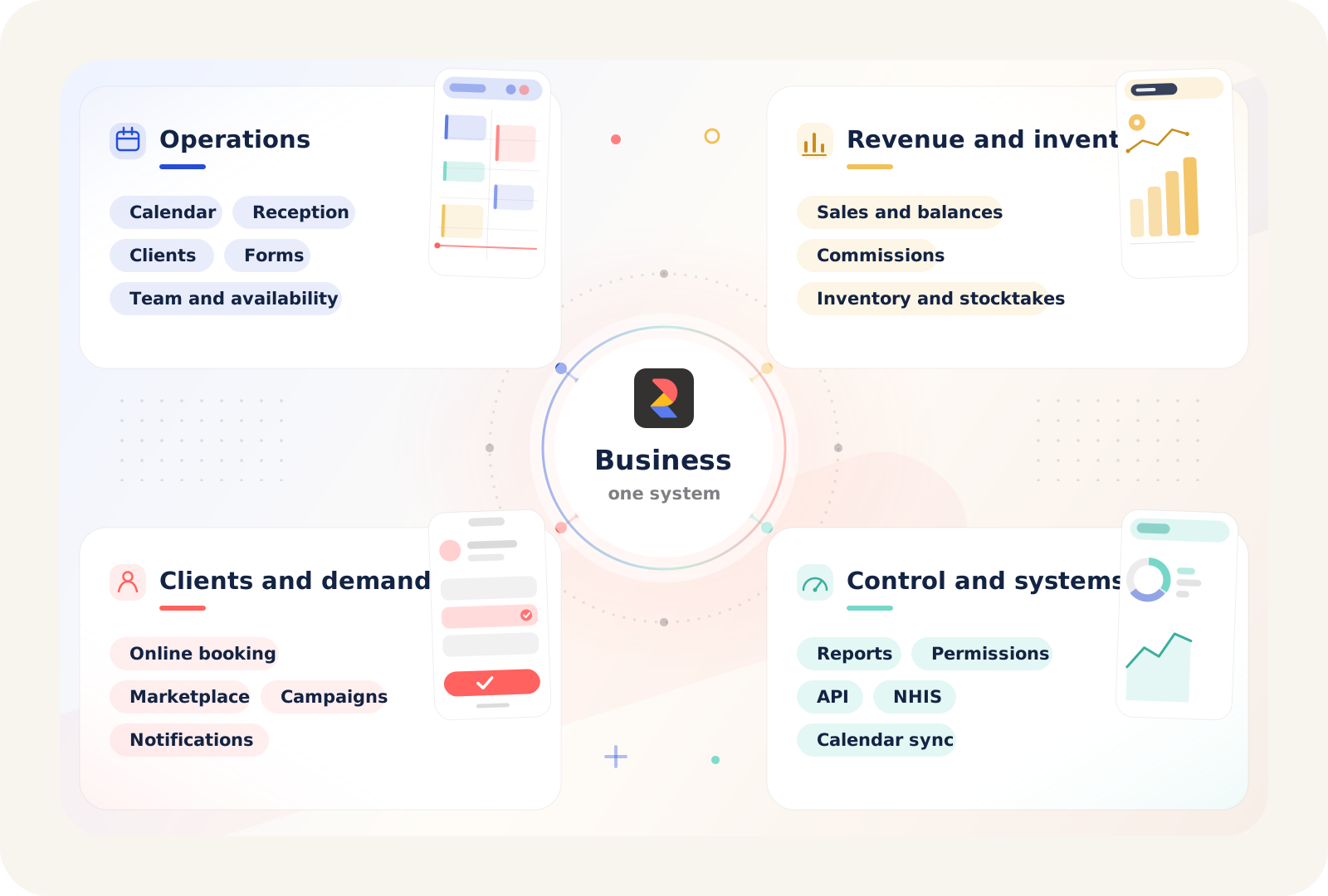
Four areas: the day-to-day operations, the revenue and inventory behind them, the clients and demand that fill the calendar, and the reporting and systems that keep the operation under control.
Operations
The workday and the rules behind it
The schedule, reception, client history, forms, client rights, team tasks, locations, resources, and the availability rules that decide every slot the business offers.
Revenue and inventory
The financial side of the operation
Checkout, online payments, deposits, balances, commission rules and accruals, payouts, products, stock locations, transfers, stocktakes, and consumables.
Clients and demand
The channels that fill the calendar
The public booking path, Marketplace presence, client apps, notifications, reviews, campaigns, and repeat visits.
Control and systems
Reporting, access, and connected systems
Reports across the whole operation, plus calendar sync, API access, NHIS, Desktop and mobile apps, support, and AI assistance where the business needs them.
Practical rollout
Start with the core. Add more when the team is ready.
Most teams start with scheduling, front desk work, clients, and payments. Then they add forms, memberships, vouchers, services, staff, availability, and public booking once the base is solid.
- Start with appointments, front desk work, client records, and payments.
- Then add forms, memberships, vouchers, services, staff, locations, and availability so every shown slot stays trustworthy.
- After that, connect the website, widget, public profile, Marketplace, and client apps.
- Then expand into notifications, marketing, reporting, commissions, and inventory in the order the business actually needs them.
- Bring in calendar sync, API access, NHIS, Desktop, Help Center, and AI only where the business truly needs them.
Next path
Choose what needs to work better first
Open a feature page or the solution for your business type, or book a demo — free, with no obligation.