
A custom website or app can work with information already maintained in the system.
External connectivity
Connect Reservation.Studio Business with the systems you already use
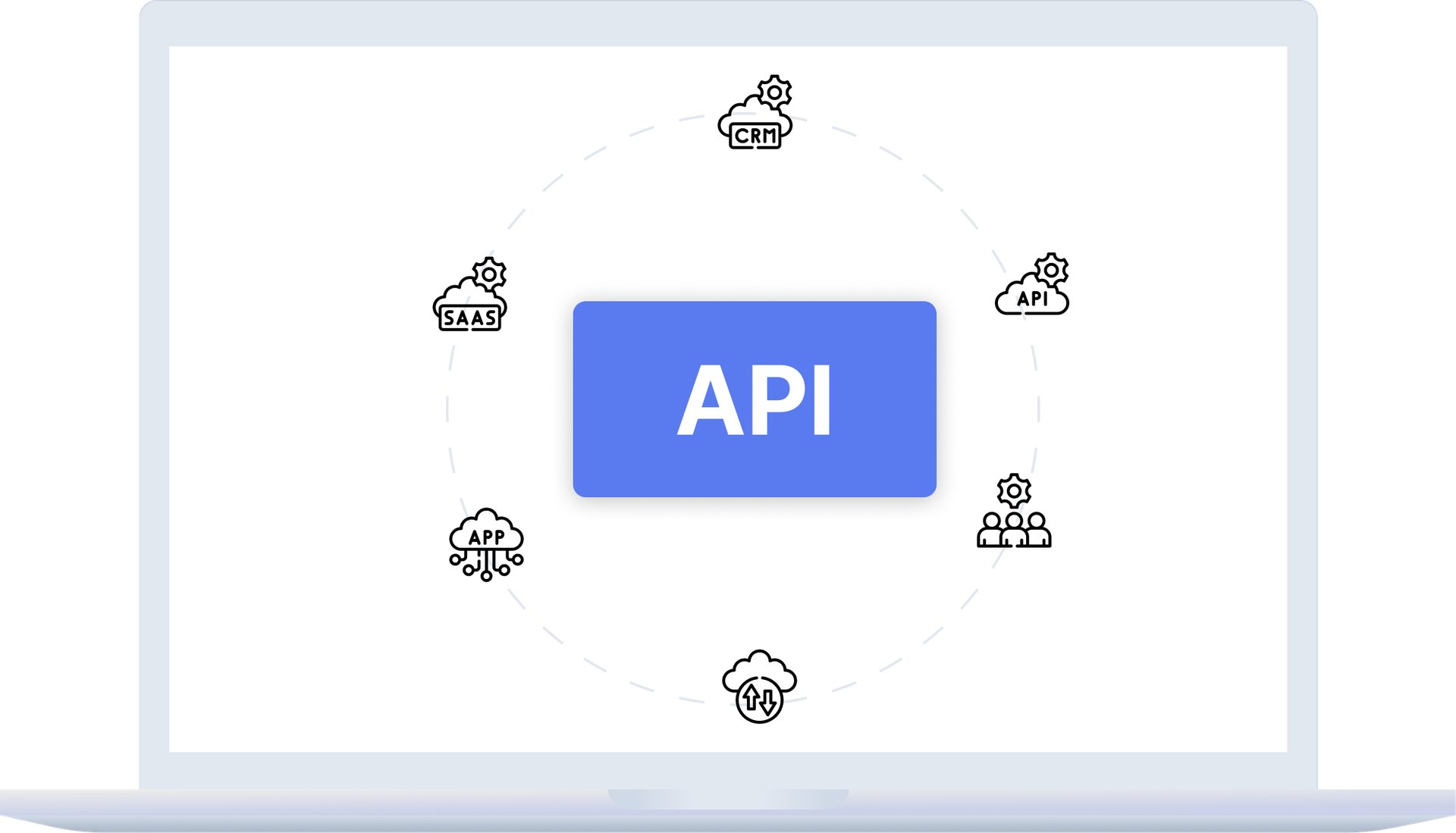
When you have a custom website, app, CRM, ERP, BI reports, or internal tools, the system stays the place for the schedule, clients, and payments, without the team moving data by hand.
The main idea
One system, connected to the rest of your tools
External connectivity solves one specific problem: another system uses information from the system without the team maintaining two versions of the truth.
A CRM, ERP, or BI tool can receive the schedule, client, and payment data it needs without constant exports.
An external partner can build an integration without replacing the system as the main place for day-to-day work.
The team can connect Claude or ChatGPT and ask them about the schedule, the clients and the reports in plain language.
The right approach
Start by clarifying what needs to be connected
Every connection follows the same order: decide what the other system will use the data for, give it its own key with exactly the right permissions, then monitor and revoke that access from the same screen.
- Clarify which external channel needs data: website, app, CRM, ERP, BI tool, or internal system.
- Define the business job behind the connection: online booking, reporting, data exchange with internal tools, or partner work.
- Limit the connection to what the specific integration actually needs.
- Keep the system as the center for schedule, services, clients, and payments.
What this includes
Access with permissions — through an API key or an AI connector
External systems come in under "Integrations" → "API keys", and every key carries its own permission set. Your own AI application is a separate path — through AI connectors.
A separate key per system
Each key has an internal name, so later it is clear which integration uses what. The list shows the name, the expiry and whether the key is active.
Selected permissions
Permissions are chosen separately for each key and decide which resources and actions it can reach. A reporting key does not open booking.
Expiry and deactivation
"Expires on" sets how long the key works, and an empty field means no expiry. "Active" suspends a key without deleting it.
The token is shown once
After creation you store the displayed token and hand it to the external system securely.
What the API gives access to
Services, available slots, appointments — create, list, reschedule, cancel — clients with search and editing, issued memberships, working hours, installments, and payments. All in a standard JSON format, with a separate permission for each operation.
AI connectors (beta)
Ask Claude or ChatGPT about the schedule, clients and takings — by typing or by voice — and say what to do. The owner decides who on the team uses it.
What improves
Less manual transfer and clearer responsibility
Well-planned connectivity reduces duplicate work and helps each system keep a clear role.
Less double entry
The team does not have to keep copying the same information between different tools.
Cleaner partner work
When an external provider builds a connection, the task can be framed around a specific need — reporting or booking — instead of broad access to everything.
Clearer path for growth
The business can add external connections gradually, based on real needs, without splitting daily work across too many systems.
FAQ
What teams usually ask about external connectivity
Can my own website create bookings by itself?
Yes. Through an API key with the booking permission, your website or app can read services and available slots and create an appointment directly in the schedule. The booking lands in the same calendar, under the same availability rules, and client reminders go out from the same settings.
Is this a ready-made integration with every external system?
No. Access for external systems is granted through API keys with selected permissions, and what a specific connection exchanges depends on the system on the other side and on what the connection needs to do. AI applications are a separate case: Claude and ChatGPT are supported, through AI connectors.
Does every business need external connectivity?
No. It is for businesses with a separate website, app, CRM, ERP, or BI tool that should work with the system's data. If the team works entirely inside Reservation.Studio Business, everything it needs is already in one system.
When is this more relevant than Google Calendar sync?
Google Calendar is for schedule visibility in a personal calendar. External connectivity is for a broader connection with another business system — a website, CRM, ERP, or reporting.
Can the team ask Claude or ChatGPT about the schedule and the clients?
Yes, through AI connectors, which are in beta. The team connects Claude or ChatGPT and asks by typing or by voice, and the owner decides who uses it. Examples and steps are on the AI connectors page.
Can an external partner build a specific connection?
Yes. It needs a clearly described goal: what should be connected, what information is needed, and how the system remains the main place for daily work.
What should be clarified before this type of integration?
The most important point is the business goal: what should happen faster, which manual steps should disappear, and which system should remain the trusted place for daily work.
Next step
Choose the right type of connectivity
If you need personal calendar visibility, see Google Calendar sync. If you work with medical connectivity, see NHIS. If another tool needs to use the system's data, book a demo.