
No commission per booking and no new-client fee — the monthly price depends on locations, people, and modules.
Online booking across every channel
Take bookings wherever your clients come from
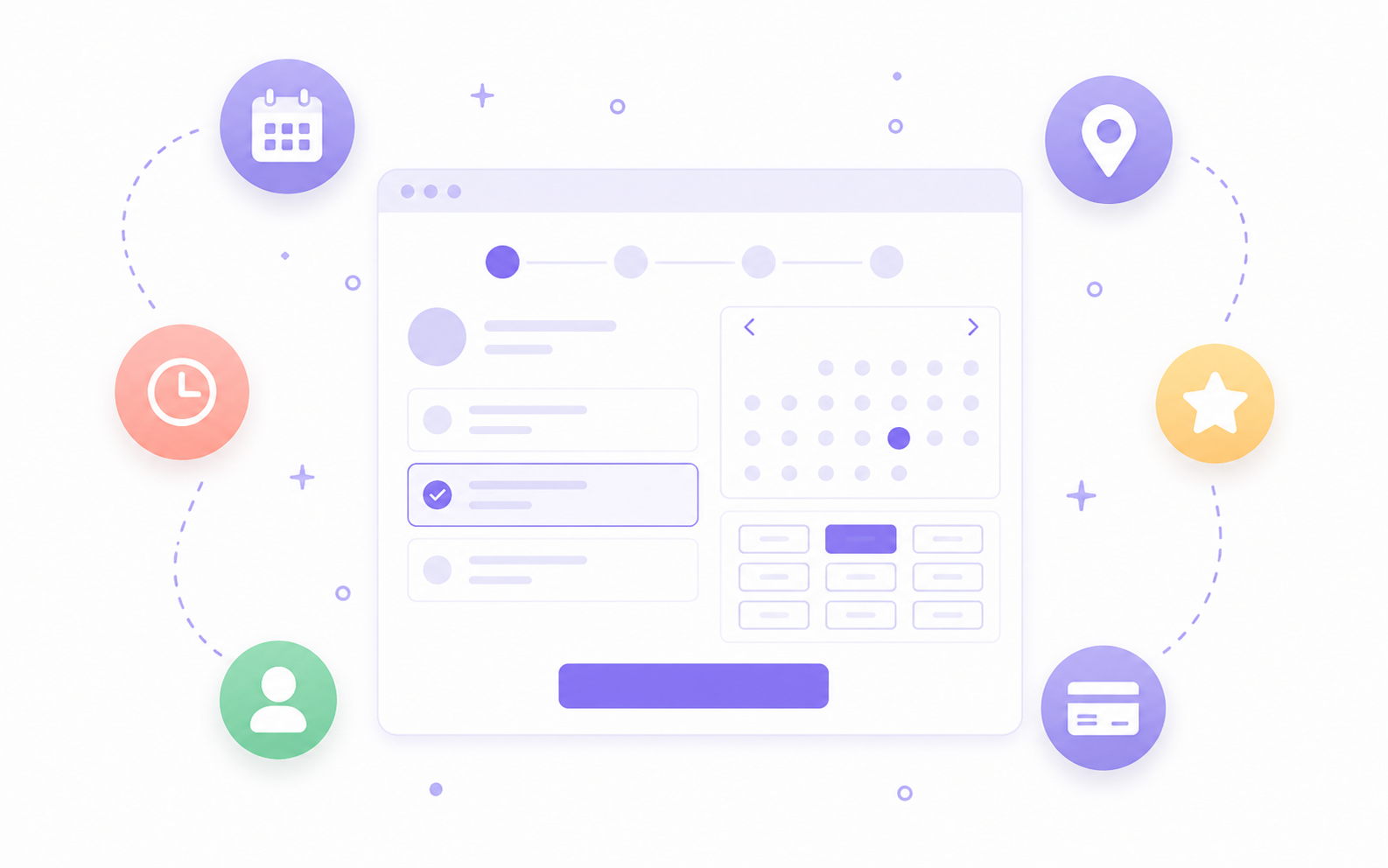
Your website, WordPress, custom domain, Google, Marketplace, client app, QR code, or the front desk — every channel leads to one schedule. There is no commission per booking, and you decide which channels are switched on.
The core idea
Your booking channels belong to you, not to the platform
Some booking systems take a percentage of the first visit from every client who arrives through their channel. The model here is different: you pay a monthly subscription based on your locations, people, and modules, and a booking carries no extra fee regardless of the channel it comes through. Marketplace is one of the channels, not a condition for using the system.
Marketplace switches off with one setting, and with Online bookings PRO clients book only through your own domain.
Prepayments land directly in the business account instead of passing through us.
The client list, visit history, and balances export to a spreadsheet from the reports at any time.
How it works
From the channel to an appointment that lands cleanly in the schedule
The channel is only the door. The value comes when every door leads to the same services, the same availability, and the same rules, instead of creating separate work for the team.
- Choose which channels are on: website and widget, WordPress, custom domain, Google, Marketplace, app, link, or QR code.
- Set up services, staff, availability, booking windows, and client-facing messages once.
- The client reaches booking through whichever channel is closest to hand and sees real available times.
- Your rules apply along the way: prepayment when needed, request approval, and limits on cancelling and rescheduling.
- The booking enters the same schedule, statuses, and notifications the team already works with.
- The client returns through the app, the profile, or the link and books the next visit faster.
The channels
Eight ways a client can reach an appointment with you
You do not have to pick one channel. Switch on the ones that make sense for your business, and switch them off when they stop making sense.
Your website and widget
Embed booking directly into your site, for both services and group classes. Clients never leave your page to reserve a time.
WordPress
An official plugin with shortcodes and admin settings. Put booking on any page you need, without development work.
Custom domain
With Online bookings PRO, booking lives on your own domain, with your logo and your color. Clients see only your brand.
Reservation.Studio Marketplace
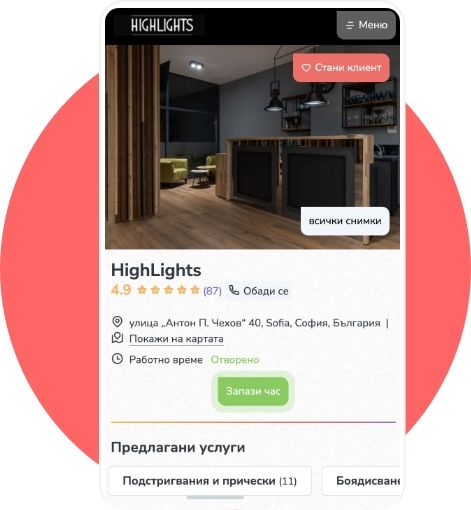
A public profile with services, gallery, reviews, and available times, where new clients find you by category, city, or search. No fee per booking, and a switch to turn it off.
Clients book straight from your Google business profile — with Reserve with Google they pick a service and time without leaving Google or calling.
Client app
Regulars see their appointments, memberships, forms, and notifications, and book the next visit in seconds.
Direct link and QR code
One link for Instagram, Facebook, an email signature, or a message, plus a ready QR code for the front desk, the window, or a card.
Front desk and phone
Calls and walk-ins enter the same calendar, so availability stays accurate for every other channel.
What you can configure
Booking rules that follow the way you actually work
Online booking only helps when it protects the working day. That is why the rules go down to the level where you actually make decisions.
Booking without surprises
Require a percentage as prepayment on online booking to reduce no-shows. The appointment waits for payment, while trusted clients book without a deposit. The money goes to your own account.
Booking with approval
Accept requests on set days and hours, choose a starting status that needs confirmation, and notify the right people on the team about every new request and new client.
Groups, waiting lists, and memberships
Show free seats in a group, run a waiting list with a live queue position, and let clients book with a membership straight from the channel.
Windows and policies
Set the earliest and latest booking time, the daily maximum, the slot step, staff selection, and the rules for cancelling and rescheduling.
Common questions
What teams ask before switching channels on
Do you take a commission per booking or a fee per new client?
No. The monthly price depends on the number of locations, people, and modules included. A booking carries no extra fee, whether the client came through your site, through Marketplace, or through the front desk.
Can I stay out of the Reservation.Studio Marketplace?
Yes. With Online bookings PRO you switch on the "Hide from Reservation.Studio marketplace" setting and clients book only through your own domain. Online booking does not require Marketplace.
Will my clients see competing businesses?
A location's public profile shows your services, team, gallery, reviews, and available times — there is no block with other locations on it. Marketplace itself, however, remains a public catalog where a client can search for other businesses too. If that does not suit you, hide the location and work through your own domain.
Who owns a client who booked through Marketplace?
You do. The booking, the client record, the visit history, and the consents all enter your own client base in the system.
If I change software, do I take my data with me?
Yes. The client list, recent visits, and balances export to a spreadsheet from the reports. And if you are coming from another system, we move the data you need for launch out of it — see the data migration page.
Do I have to switch every channel on at once?
No. Most businesses start with one or two — usually the website and the public profile — and add the rest when they have a reason to. Every channel switches on and off separately.
How does online booking reduce no-shows?
You set a prepayment percentage on booking. The appointment waits for payment before it is confirmed, while clients you have marked as trusted book without a deposit. Separately, there are reminders and rules for how late a client can cancel or reschedule.
Do the channels create separate calendars?
No. Every channel runs on the same services, staff, resources, and availability, and the bookings land in one schedule.
Next step
See online bookings, the public profile, or book a demo
If the focus is booking through your site, widget, or custom domain, open online bookings. If the question is about the public profile and client apps, open the Marketplace and client apps page. If you want to see how every channel lands in one schedule, book a demo.