
Clients in the venue see the day's or the week's timetable, the instructor, and the free places without asking at the front desk.
Front desk information — on the wall
TV displays that keep your clients informed on their own
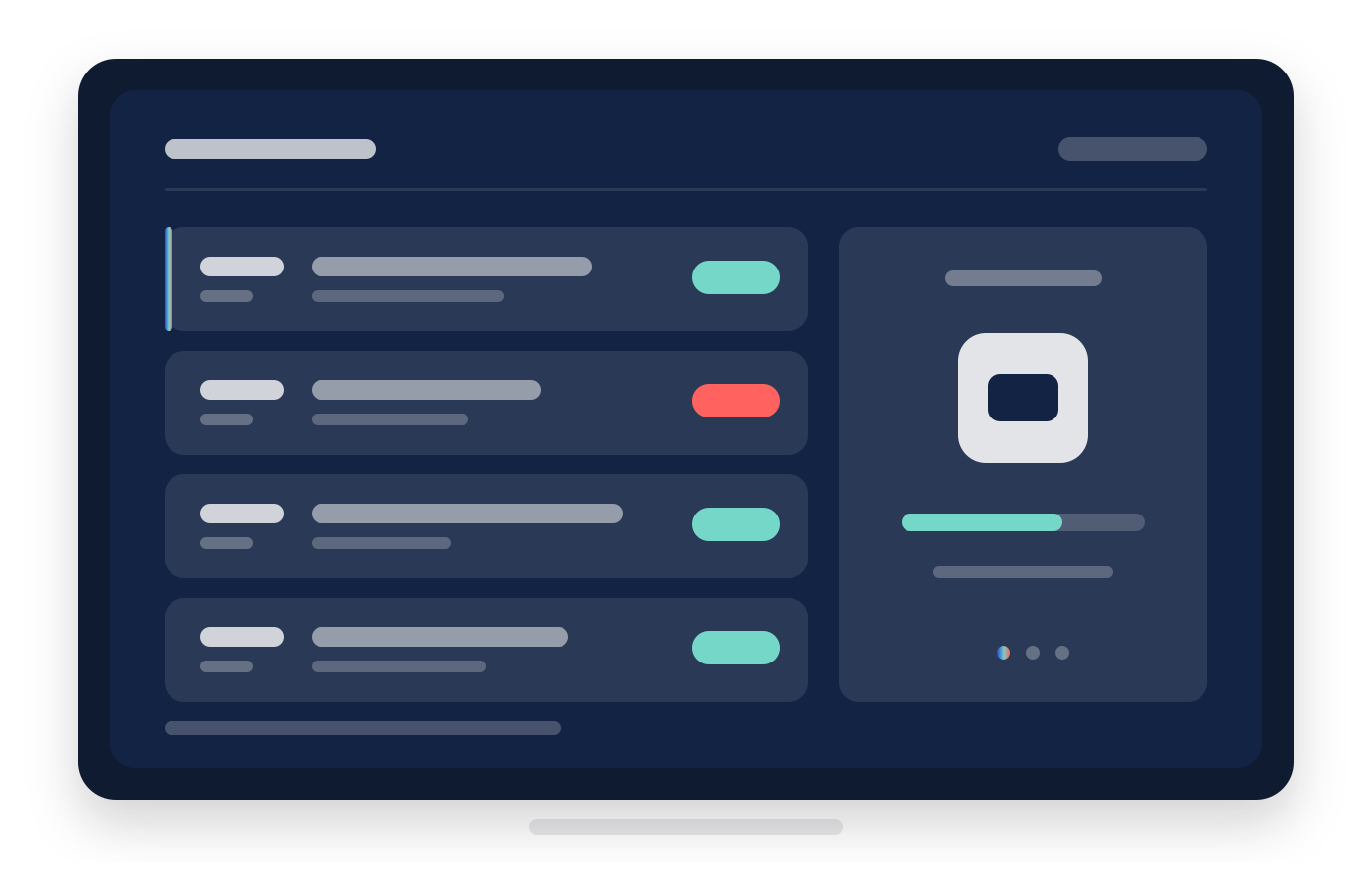
Show the group classes, the free places, and the occupancy on a television in the room or by the entrance, together with your own banners — with no computer behind the screen and no separate digital signage system.
Why this matters
Clients ask what the screen can say by itself
When is the next class, are there free places, how full is it right now — these are the questions that reach the front desk every day. The board answers them from the wall, with the data already in the system.
Occupancy is visible live, and the who-is-inside list is a separate panel for the screens behind the counter.
Your own banners run between the data: promotions, new services, upcoming events.
How it works
From template to live screen in minutes
The board is created and managed entirely from the app. The screen only needs a browser — you connect it with a code and from then on it keeps itself up to date.
- You create a board from a ready-made template — the weekly timetable, today's classes, a rotating lobby view, or banners — and then change whatever you like.
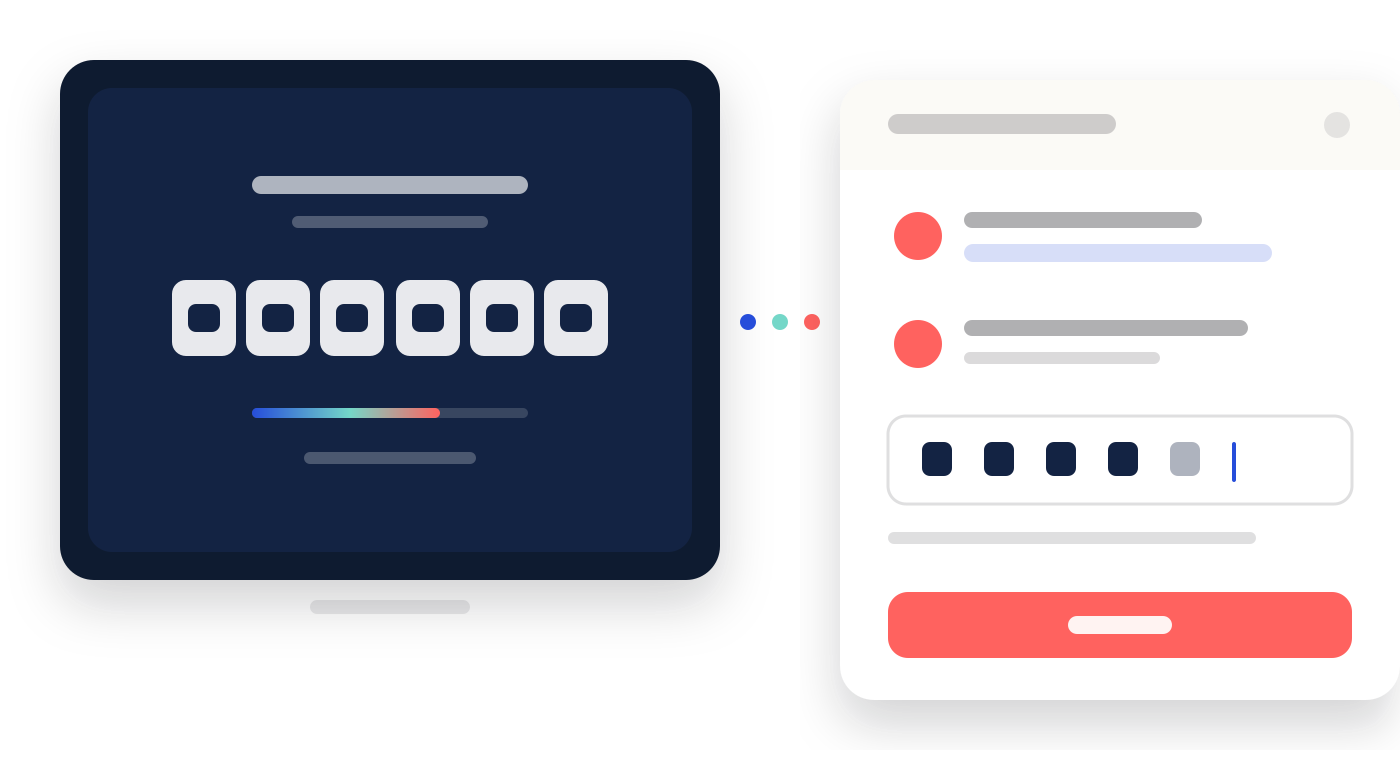
- On the television you open tv.reservation.studio and type the code it shows into the app. No computer, no cables, no installation.
- The board updates itself: a change in the schedule, the check-ins, or the settings reaches the wall within a minute.
- If the internet drops, the screen keeps the last data and says how old it is, then catches up on its own.
What it includes
The panels you assemble a board from
A board is one or more screens in rotation, and each screen carries up to three panels. You decide which one shows what.
Group classes
The timetable from the calendar — for today, the next few days, the week, or the month. The time and the name always show, and you can add the instructor, the free places, the length, the price, and the accepted cards. One-to-one bookings are never shown.
Occupancy and who is inside
How many people are in the venue right now, with a capacity and a fill bar — no names. The who-is-inside list is a separate panel, suited to a screen clients cannot see.
Your banners
Your own images in rotation — promotions, new services, events. A banner-only panel turns the screen into an advertising display without needing any data at all.
Look, language, and privacy
Colours, background, font, logo and clock, portrait or landscape. The board's language is separate from the app's, and client and employee names are shown only if you decide so.
What the business gains
The room informs itself, and the screens stay under control
The board is not another system to maintain. It reads the schedule and the check-ins you already keep, and it is managed from the same app.
Fewer questions at the front desk
The timetable, the free places, and the occupancy are visible from the room instead of being explained to every client one by one.
Screens in every venue, managed from one place
Boards are configured from the app, and a panel in one venue can show what is on at another.
No extra system
You do not maintain a separate digital signage vendor: the data comes from the classes and check-ins already in the system.
Common questions
What teams ask most often about displays
What kind of television do I need?
Any screen with a modern browser: a smart TV, a streaming stick, or a tablet on a stand. You open tv.reservation.studio, type the code into the app, and the screen starts. On much older televisions the built-in browser may not support the board — a newer device with a browser plugged into the same screen solves it.
Are one-to-one bookings shown?
No. The schedule panel shows group classes only. A one-to-one appointment carries a client's name, and that has no place on a wall.
Can the board show no names at all?
Yes. Client names and employee names are separate settings. A lobby screen can name the instructor without naming a single client, or run on occupancy and banners alone.
Where does the occupancy data come from?
From the check-ins your team records in the system. If you do not record check-ins, the occupancy panels stay empty — the schedule and the banners work without them.
I run several venues. Does every screen need its own setup?
Every screen is attached to a venue, and an individual panel can point at another one — a screen in one venue can show what is on at the other. Everything is managed from one place.
What does it cost?
Displays are a paid module, billed per screen. See the pricing page or book a demo.
What happens if the venue loses internet?
The screen keeps the last loaded data and shows how old it is. When the connection returns, the board catches up on its own.
Next step
See the front desk, the notifications, or book a demo
If the question is where the timetable comes from, open appointments and front desk. If you want the customer reached outside the venue too, see notifications. If you want to see the boards with real data, book a demo.