
Clients come from different places: online, by phone, through social channels, or directly at the shop.
Barbershop software for fuller schedules and better-run days
A barbershop day rarely goes exactly to plan: online bookings, walk-ins, late arrivals, quick changes, and regular clients all move at once. Reservation.Studio Business helps keep that day organized.
Good fit for Barbershops, Grooming studios, and Teams with online bookings and walk-ins
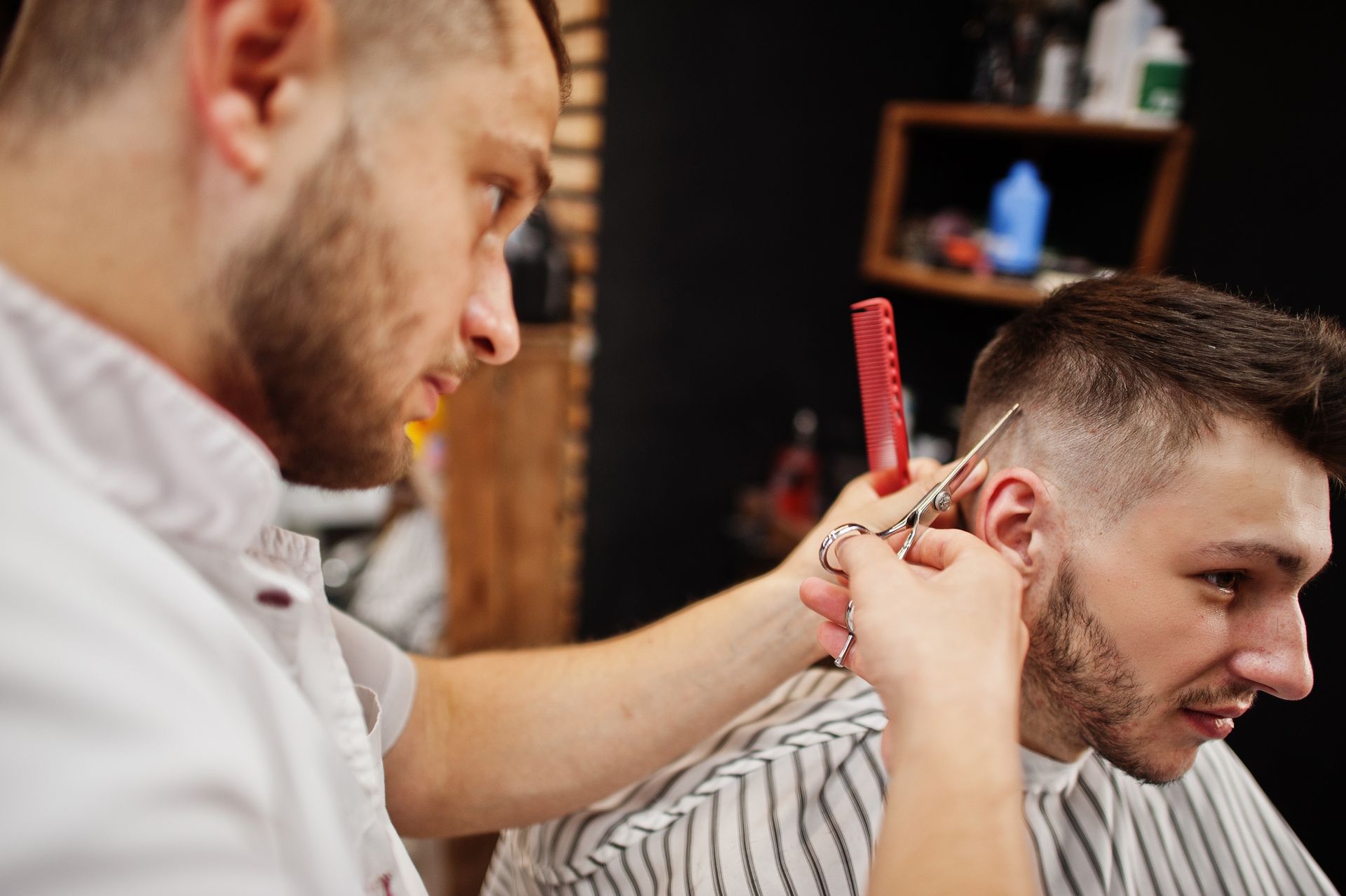
When the shop starts losing bookings and control
When the current way of working starts missing clients
When bookings come from several channels and the day keeps changing in real time, paper notes, side messages, and team memory stop being enough. Open slots get lost, regulars do not come back on time, and barber workload becomes harder to read.
During busy hours, reception has to handle late arrivals, walk-ins, schedule changes, and rebookings without losing control.
Owners need more than the schedule: they need to see barber workload, payments, and which clients should come back.
How it works day to day
What a better-organized barbershop day looks like
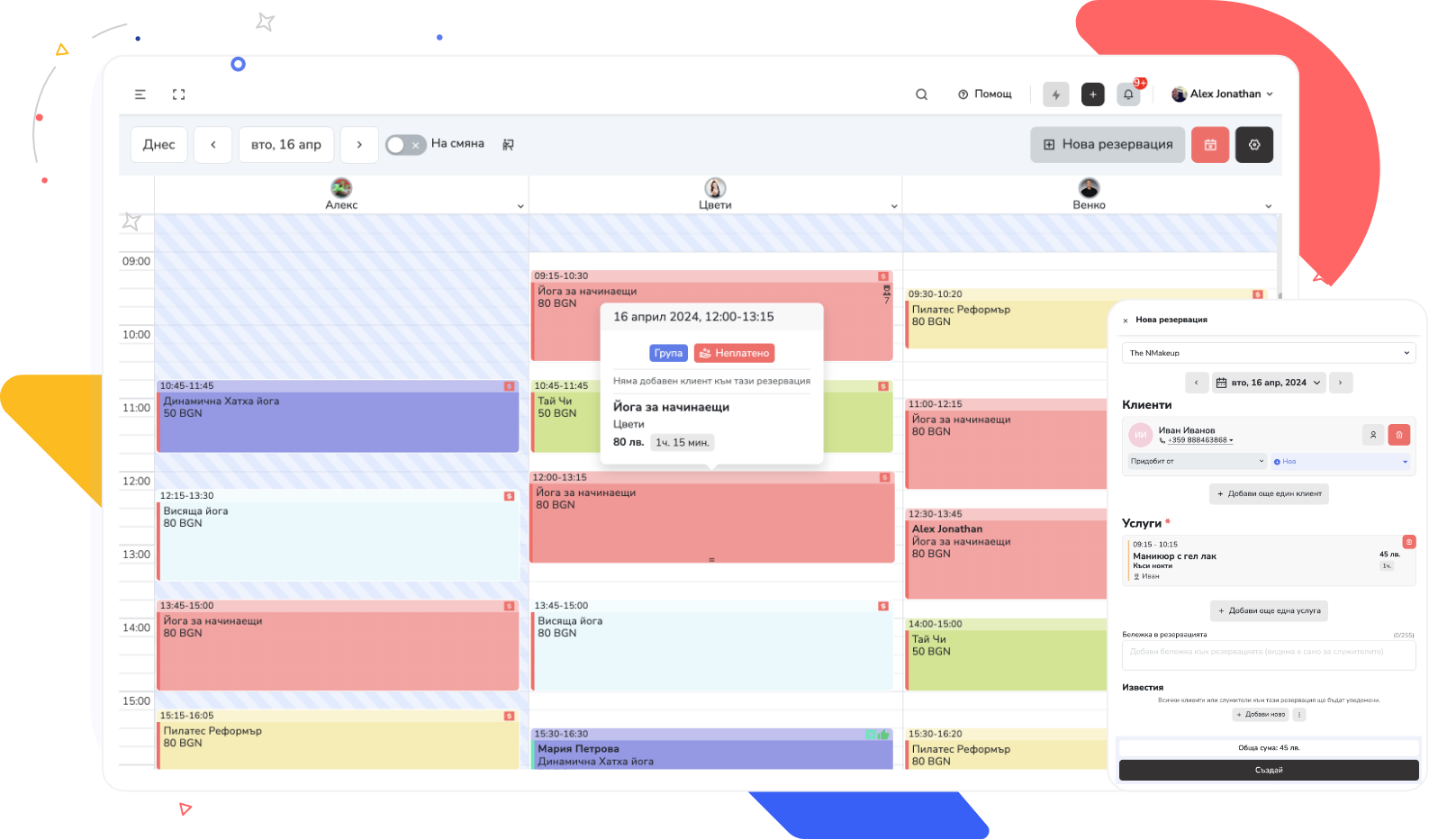
Reservation.Studio Business brings the schedule, client profiles, reminders, payments, and team workload together so every client has a clearer path from booking to the next visit.
A client can book online, while reception can add or move appointments in the shop without losing visibility across the rest of the schedule.
The team can see who is arriving, who is waiting, what service is booked, and what notes or preferences are attached to the client.
After the visit, the next appointment can be offered while the client is still there instead of being left for later.
Payments, barber workload, and the main picture of the day stay in one system.
What the business gains
What changes when the schedule and clients live in one system
The value is not just having a calendar. It is catching more demand, bringing regulars back, and seeing earlier what is happening across the team.
A better-filled schedule
Online bookings, front desk work, and walk-ins can be handled in one calendar instead of being scattered across calls, messages, and notes.
More repeat visits
The next appointment, client notes, and reminders stay tied to the same client, making it easier to bring regulars back.
Clearer control over team and payments
Owners can see barber workload, payments, and the services driving the day earlier.
Barbershop FAQ
What owners usually want clarified before a demo
Is this only for larger barbershops?
No. It can also make sense for smaller teams if bookings, walk-ins, and repeat visits are already difficult to manage by hand.
How does it help with walk-ins?
It helps the team see what is happening in the schedule and handle day-level changes more cleanly without losing sight of the other clients.
Can it help bring regular clients back?
Yes. Client notes, repeat visits, and reminders stay attached to the same client instead of depending on reception or barber memory.
What usually needs to go live first?
Most teams start with scheduling, reception, client profiles, reminders, and payments. Commissions, inventory, and reporting can be added once the core day is stable.
Is it suitable for a small barbershop?
Yes. With up to 3 employees, 100 clients, and 75 bookings a month you start without a subscription, and the paid plan for one barber with online booking starts at €13.50 a month. If the schedule lives in a paper diary or chat today, the demo shows what you gain in the first week.
Who it is for
Barbershops and grooming studios — from one barber to a team with a front desk
The demo shows how bookings from several channels, walk-ins, and repeat visits look in one calendar, with reminders, payments, and barber workload.
Barbershops and grooming studios with online bookings, walk-ins, and busy periods
Teams where regular clients, reminders, and repeat visits directly shape revenue
Owners who need clearer visibility into schedules, payments, workload, and barber-level performance
Ask for a demo
Show us how clients book today and we will show you how to organize the day
In a barbershop conversation, we can walk through online bookings, walk-ins, repeat visits, payments, barber workload, and the client experience.
Free, with no obligation — during business hours we call back almost immediately. Paid plan from €13.50 a month; with up to 3 employees you start without a subscription.