
The client scans a QR code on the way in and out, and the entry fee or time spent goes onto their bill.
Gym and fitness studio software: schedule, QR check-in, and memberships
Reservation.Studio Business covers both modes of a gym: open entry at the front desk — with a QR code, an entry fee, or time-based billing — and group classes with capacity, waitlists, and corporate cards. Memberships, payments, and reports run in the same system.
A good fit for Gyms and fitness studios, CrossFit and functional training, and Facilities mixing group classes and open entry
When the front desk stops keeping up
When the gym needs a system, not a notebook at the desk
A gym runs in two modes at once: people who walk in and pay for entry or time, and group workouts with limited seats, cards, and memberships. When both run by hand, peak hours turn chaotic, and the owner finds out late who came in, which classes fill, and where revenue leaks.
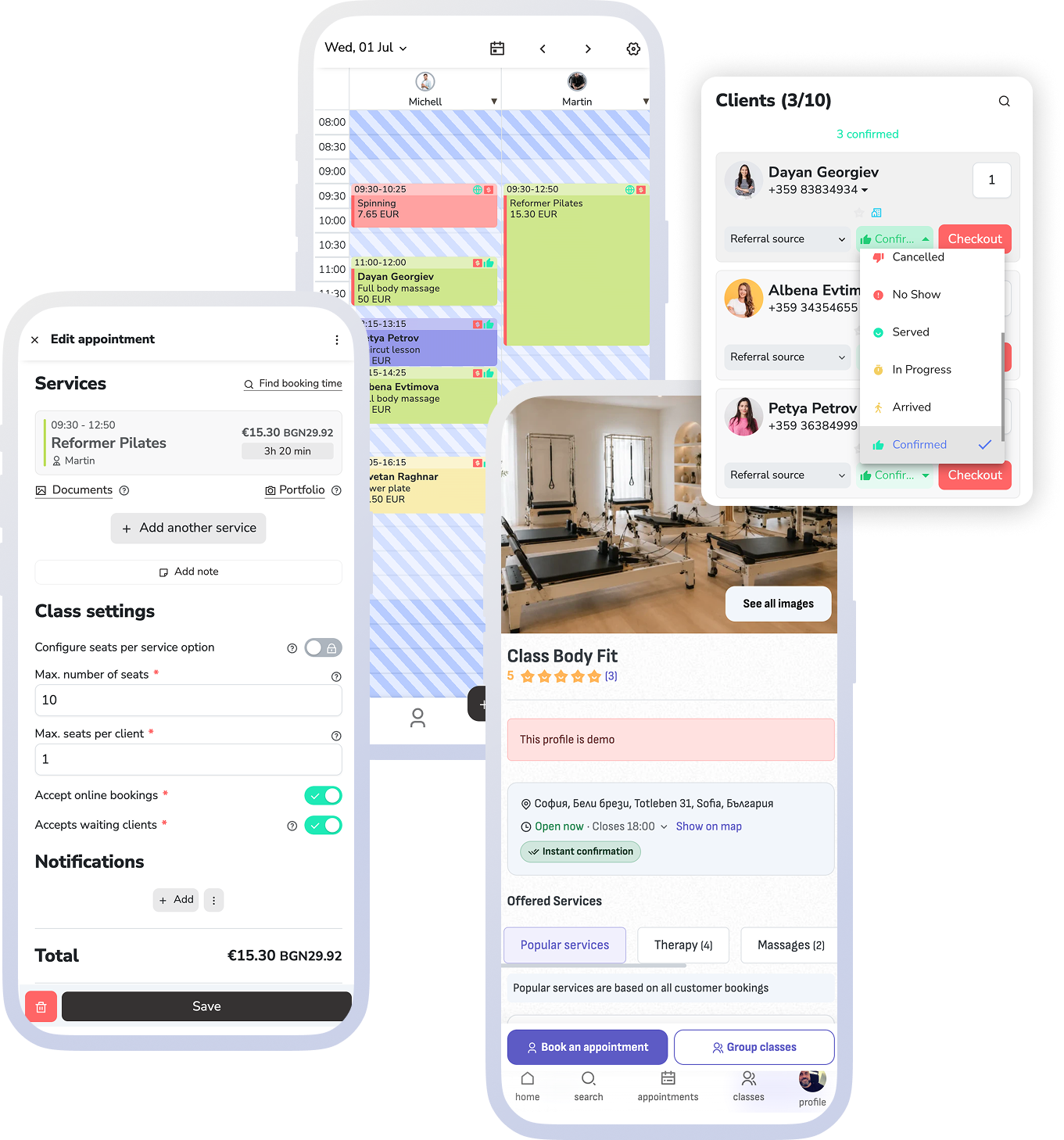
Accept MultiSport, Coolfit, and Sodexo and decide how many seats per class go to cards and how many stay for regular clients.
Group workouts have capacity, waitlists, and online booking, and open seats show in the Reservation.Studio catalog.
Memberships and remaining visits are checked at the door and at booking, instead of on trust.
The TV display in the gym shows the day's schedule, occupancy, and who is inside right now.
What the software holds together
What an organized day looks like in a fitness studio
Reservation.Studio Business keeps check-ins, the group schedule, cards, memberships, payments, and reports in one system, so the front desk works from one screen instead of a notebook, a chat, and a register.
The client scans a QR code on the way in and out — the entry fee or time spent is billed to their account automatically.
The front desk sees who is inside right now and can open the linked sale or the client's history in one click.
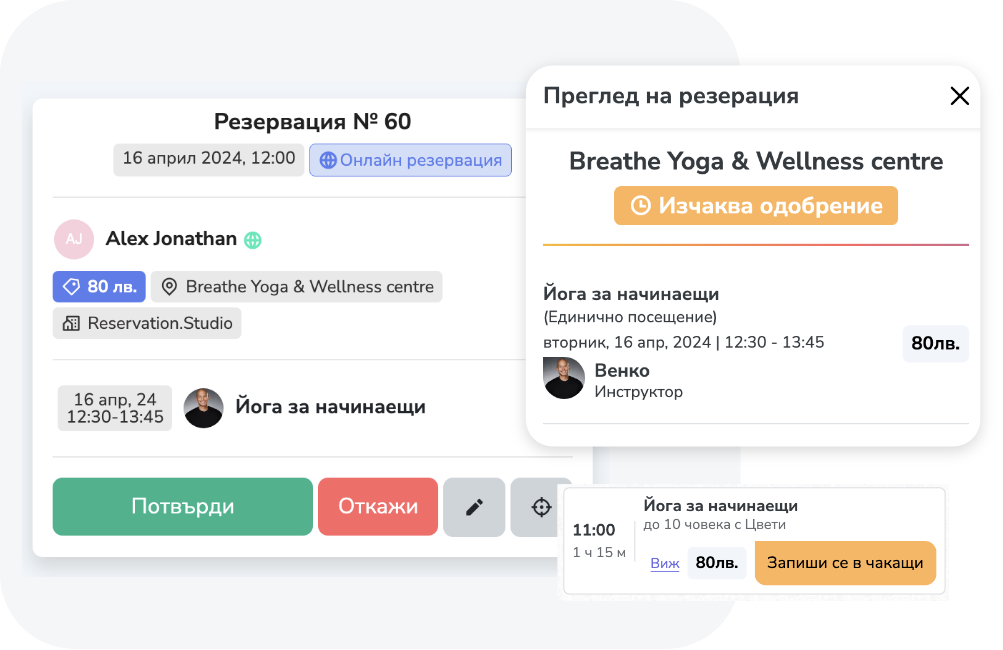
Group workouts have capacity, seats per client, and waitlists, and booking runs online — from your website, the Reservation.Studio catalog, or a shared link.
For every class you decide how many seats go to MultiSport, Coolfit, or Sodexo and how many stay for drop-ins and memberships.
Memberships and remaining visits are checked at the door and at booking, and payments and sales run through the same register.
The TV display shows the day's schedule, occupancy, and who is inside — connect the screen with a code, no computer next to it.
What improves
Clear entry, full classes, and revenue you can see
The benefit is not just a tidier schedule. Entry stops running on trust, cards stop taking over whole classes, and the owner sees attendance and revenue per class and hour.
Entry stops running on trust
Every visit is recorded with a check-in and check-out time, and the fee or time spent goes onto the client's bill automatically.
Cards stop crowding out regular clients
Seat quotas per option keep the balance between corporate cards and paid seats, so popular classes are not taken over by one booking type.
Classes fill with less coordination
Capacity, waitlists, and online booking work together — an open seat goes to the next in line, without chat messages.
Revenue is visible per class and hour
Reports show check-ins by date, attendance, fill rate, and which classes and memberships actually drive the business.
Fitness studio questions
What owners usually want clarified before a demo
How does QR check-in work?
The client shows their QR code at the front desk on the way in. If they have no open visit, the scan starts one; scanning again records the check-out. The entry fee or time spent is billed to the client's account.
Can I accept MultiSport or Coolfit?
Yes. For each service and price option you choose which cards you accept — MultiSport, Coolfit, Sodexo, and others — and you can reserve seat quotas for cards, drop-ins, and memberships. The catalog shows clients which cards are accepted.
What does the TV display show?
The group classes for the day or week, current occupancy, who is inside, and your own banners. It runs on any screen with a browser — you connect it with a code in seconds. It is billed per screen.
Can I bill for time spent?
Yes. The visit records a check-in and check-out time, and the charge can be a flat entry fee or based on time — depending on the entry service you set up.
Does it also handle limited-seat group workouts?
Yes. Group classes have capacity, seats per client, and a waitlist, and online booking follows the same rules the team works by.
Is it a fit for a small gym?
Yes. With up to 3 employees you start without a subscription, and the paid plan for one trainer with online booking starts at €13.50 a month. The value shows up as soon as running entry and the group schedule by hand starts costing the front desk time.
What usually needs to start first?
The base is usually services, the schedule, capacity, and online booking, then check-ins and cards. The TV display, deeper reports, and marketing come once the base is running.
Who this is for
Most useful when entry, cards, and group classes already define the day
For gyms and studios where open entry, corporate cards, memberships, and the group schedule run at the same time and need to be tracked accurately.
Facilities with open entry, an entry fee, or time-based billing
Studios that accept MultiSport, Coolfit, or Sodexo
Gyms with limited-seat group workouts and waitlists
Owners who want check-ins and revenue per class
Ask for a demo
Show us how entry and the group schedule run today
In one conversation we walk through QR check-ins, corporate cards, the group schedule, memberships, and the TV display — on a sample gym schedule.
Free, with no obligation — during business hours we call back almost immediately. Paid plan from €13.50 a month; with up to 3 employees you start without a subscription.