
Online and direct bookings enter a schedule that reflects practitioner, room, service, duration, and real availability.
Specialty clinic software for scheduling, intake, and patient profiles
In a specialty practice, one appointment may need a specific practitioner, room, preparation, form, consent, document, payment, and next step. Reservation.Studio Business keeps all of that in one system, including NHIS where relevant.
Good fit for Dermatology, Orthopedics, Aesthetic medicine, Specialty practices, and Clinics with a front desk
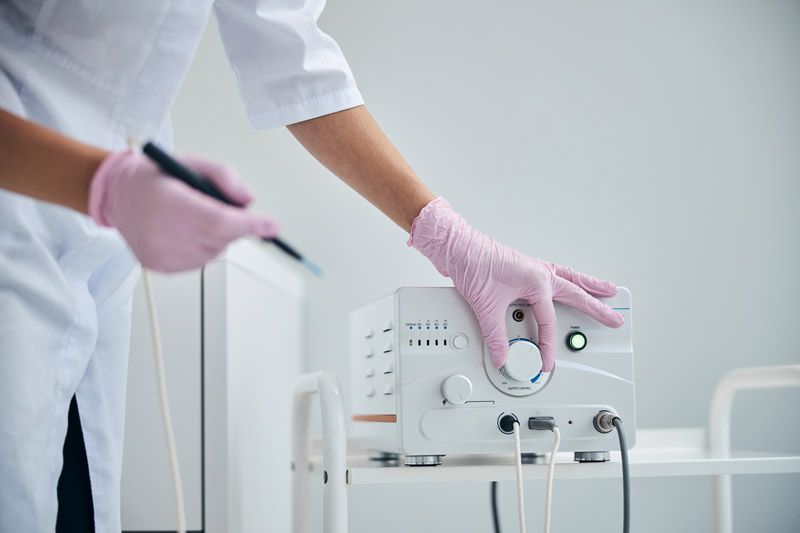
When a specialty practice needs more than a calendar
When the specialty clinic can no longer work from a calendar alone
In a specialty practice, an appointment is rarely just an open slot. It may depend on a practitioner, room, consultation or procedure type, pre-visit information, informed consent, a document, payment, and a next action. When those parts live in phone calls, chats, paper, and separate files, the front desk carries too much manual coordination.
Forms, informed consents, documents, and reminders are prepared before the visit instead of being chased at the last moment.
The patient profile keeps history, notes, forms, documents, balances, and everything that matters before the next appointment.
The front desk can manage arrivals, changes, payments, and next steps without separate lists and manual follow-up.

How it works day to day
What an organized specialty clinic day looks like
Reservation.Studio Business connects the path from booking to intake and the next patient step so the front desk, practitioners, and managers look at the same information.
Set up services, durations, practitioners, rooms, working hours, and availability around the way the practice actually operates.
Bookings from phone, front desk, website, widget, or public profile enter the same schedule the team uses during the day.
Before the visit, the team can see the patient profile, history, required forms, consents, documents, reminders, and missing steps.
At arrival or checkout, the front desk can update status, take payment, record the next action, and book the next appointment.
When the practice uses NHIS, electronic examinations can stay in the same system instead of becoming separate administrative work.
What the practice gains
Cleaner intake, better preparation, and clearer patient history
The value is not just a fuller schedule. It is that the patient, front desk, practitioner, and manager work with the same information from booking to the next step.
Less administrative pressure on the front desk
The team sees bookings, arrivals, changes, pending actions, and payments in one place, through the whole day.
Better preparation before the visit
Forms, consents, documents, reminders, and missing steps surface earlier, not only when the patient is already on site.
Clearer continuity between visits
History, notes, forms, documents, and next steps stay inside one profile the team can use again at the next appointment.
Clearer management picture
Managers can see workload, visits, payments, missed steps, and areas that need attention earlier.
Specialty clinic FAQ
What practices usually want clarified before a demo
Is this only for large clinics?
No. It is useful for smaller specialty practices too when scheduling, intake, patient profiles, forms, payments, and next steps are already being managed across several disconnected places.
Is this a full medical information system?
We do not position it as a hospital HIS/EMR for every type of medical documentation. The focus is the day-to-day work around booking, intake, patient profile, forms, reminders, payments, reporting, and NHIS where relevant.
Can it work with forms and informed consents?
Yes. Forms, consents, signatures, answers, and PDF files can stay connected to the patient and, where needed, to the specific booking.
Does the practice have to use NHIS?
No. NHIS matters for medical practices in Bulgaria that actually use it. If the practice does not use it, the core value remains scheduling, intake, patient profiles, forms, payments, and reporting.
What usually has to go live first?
Most practices start with services, practitioners, rooms, scheduling, front desk coordination, patient profiles, forms, and reminders. Payments, reporting, specific rules, and NHIS where needed can follow after that base flow is stable.
Who it is for
Most useful when preparation, intake, and patient history already shape the whole workday
A demo is most useful when the practice wants to move from calendars, notes, and separate files to more organized booking, intake, forms, patient profiles, payments, reporting, and follow-up visits.
Dermatology, orthopedics, aesthetic medicine, and other specialty practices with several practitioners, rooms, or services
Practices where forms, consents, documents, notes, and preparation affect how the visit starts
Teams that need patient history, payments, reminders, and next steps to stop living across separate places
Medical practices in Bulgaria where NHIS is a real part of the daily work
Ask for a demo
See how Reservation.Studio Business fits your specialty practice
In a demo, we can walk through scheduling, front desk coordination, patient profiles, forms, reminders, payments, reporting, and NHIS if your practice uses it.
Free, with no obligation — during business hours we call back almost immediately. Paid plan from €13.50 a month; with up to 3 employees you start without a subscription.